Blend Photo Editor & Effect
ZipoApps
Downloads
5,000,000+
Source
Google Play
Advertisement
Click to download now, finish the installation quickly, and directly unlock the all-round experience
Advertisement
Screenshots



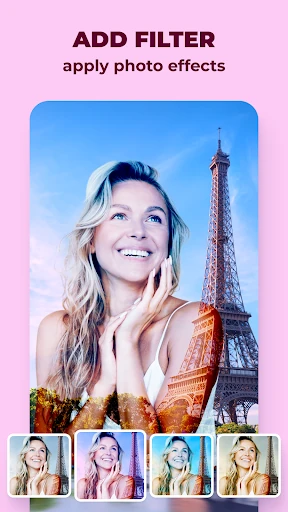

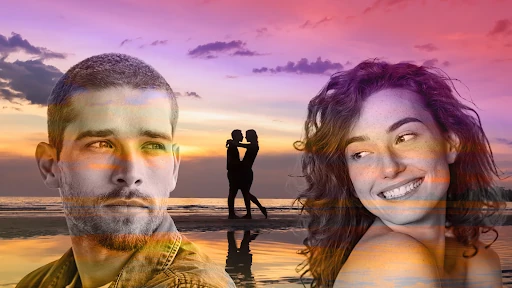
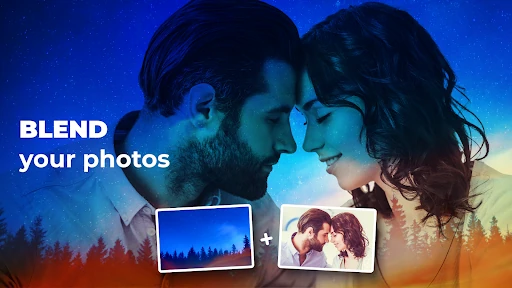
Click to download now, finish the installation quickly, and directly unlock the all-round experience
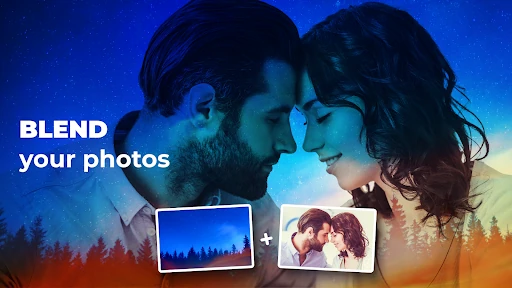
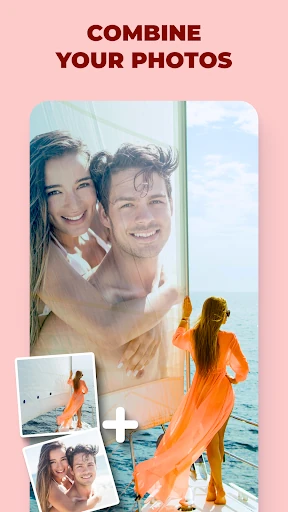
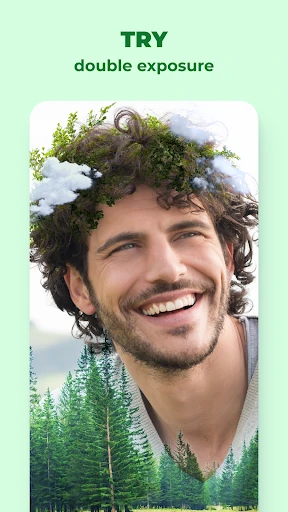
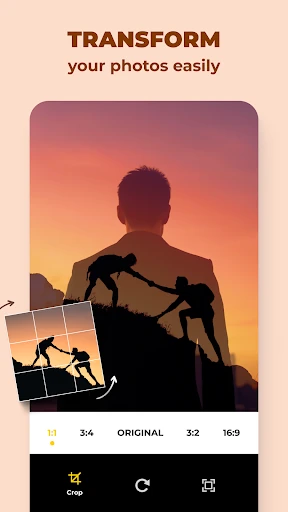
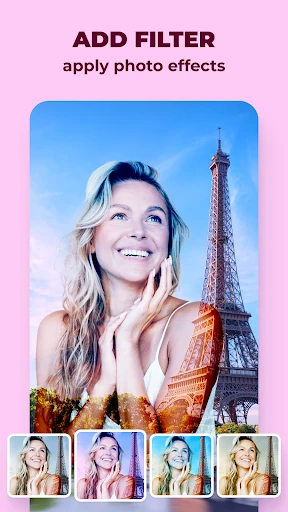
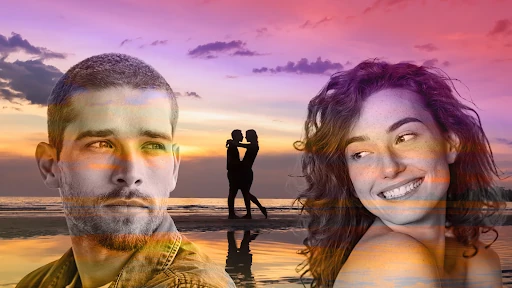
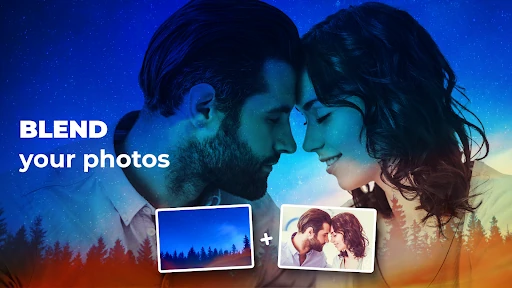
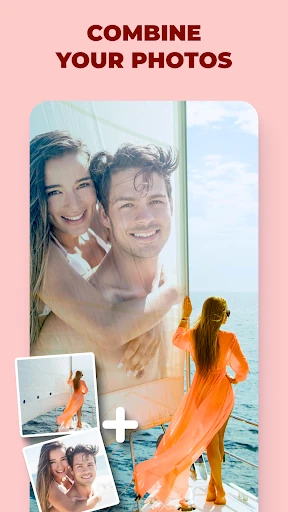
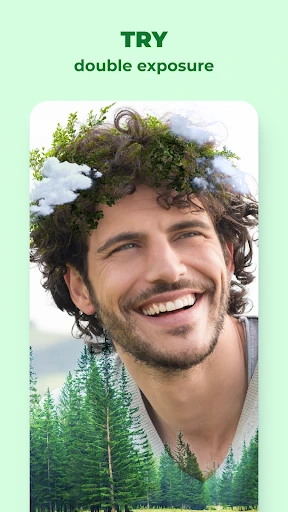
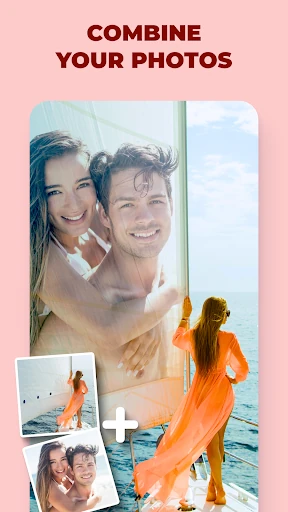
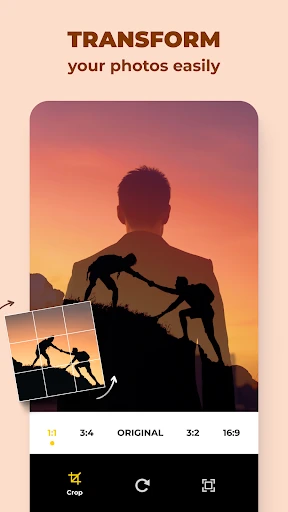
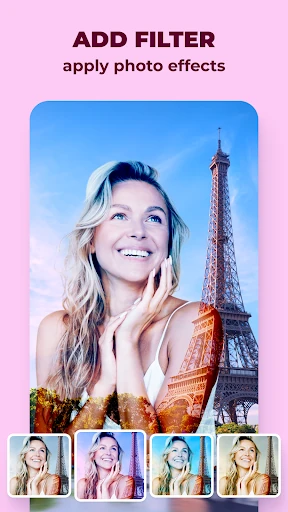
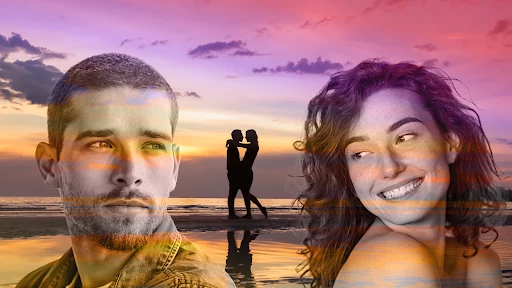
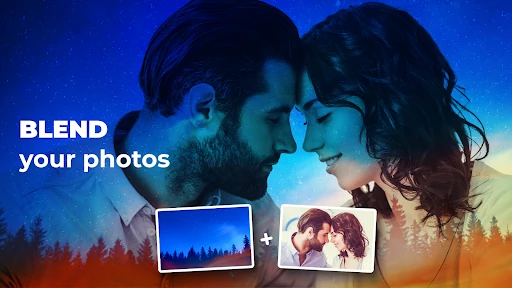
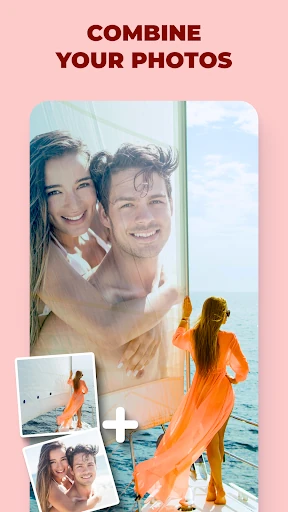
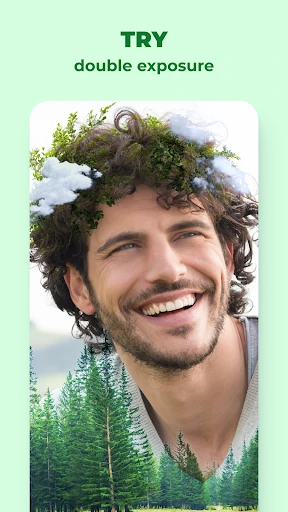
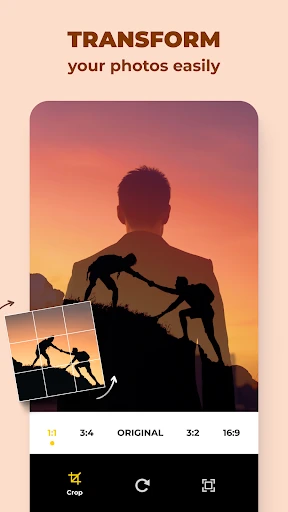
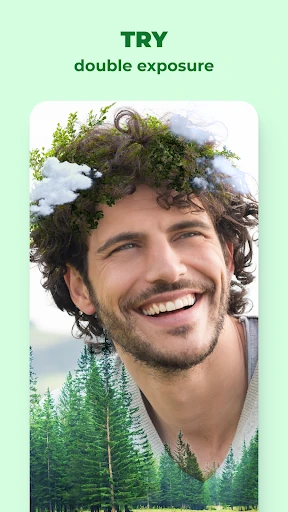
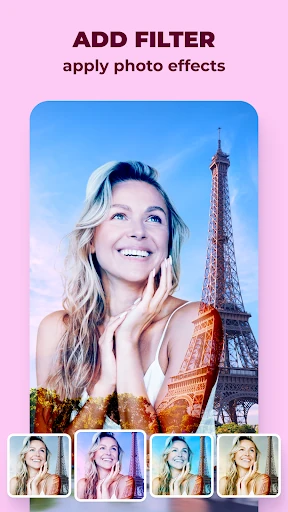
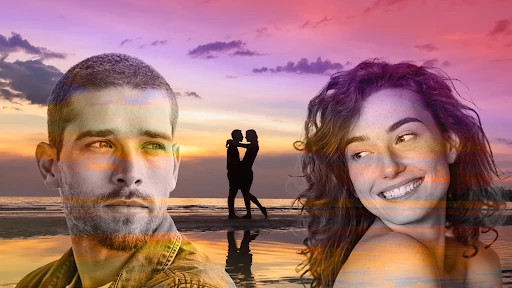
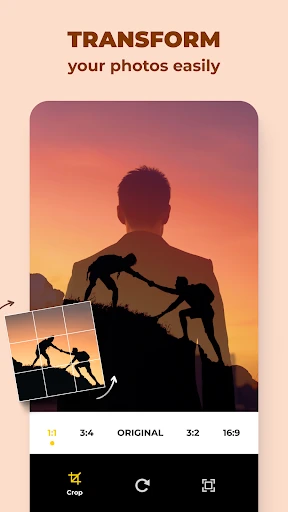
Blend Photo Editor & Effect is an Android photo editor for making layered, double-exposure-style images. It lets you combine photos and adjust how they sit together, with effects and overlays for changing the look of the result. It may suit someone who wants to experiment with image blending on a phone without working in a full desktop editing program.
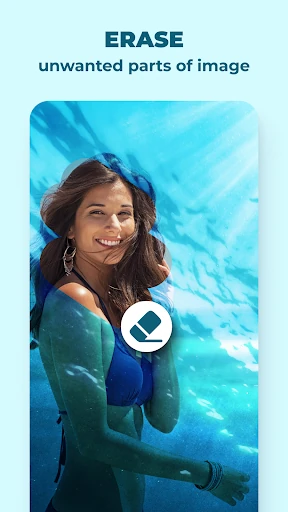
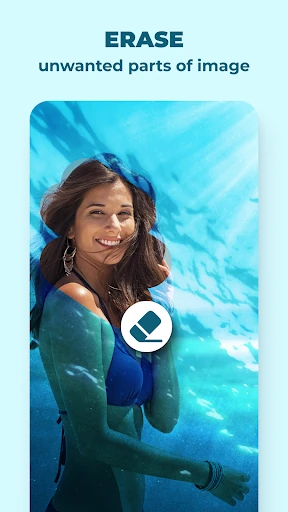
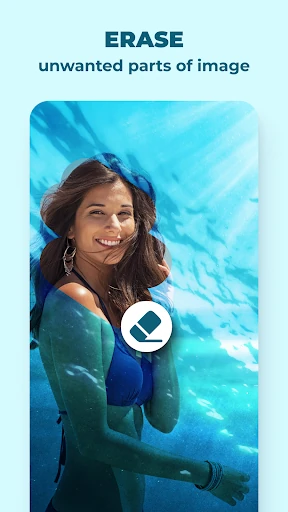
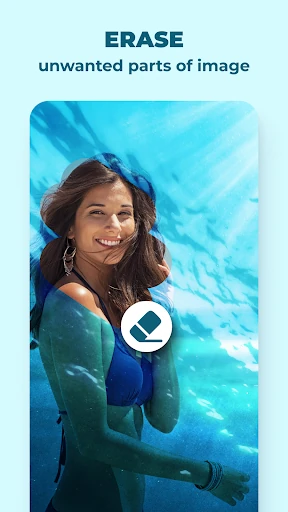
The app includes blend modes and a tool for erasing parts of an image, which can help refine where photos overlap. Preset effects include themed overlays such as galaxy, nature and smoke. These give you starting points for a composition, though a preset will not necessarily fit every source image. The editing is geared toward combining images and applying effects rather than detailed adjustments across many aspects of a photograph.
Blend Photo Editor & Effect is a focused creative tool, not a comprehensive photo editor. Its advanced color-grading controls are limited, so people who want precise control over the color of individual layers may find it restrictive. Compositing still depends on choosing suitable source images and making adjustments; the presence of presets does not guarantee a polished result.
Published by ZipoApps in the Art & Design category, the app has a rating of 4.68 from 33,630 ratings and more than 5 million installs. Those figures indicate broad use, but they do not show whether its particular editing tools will suit your needs. If your main interest is photo blending and double exposure, its narrow focus may be useful; for wider editing work, you may need another app.